
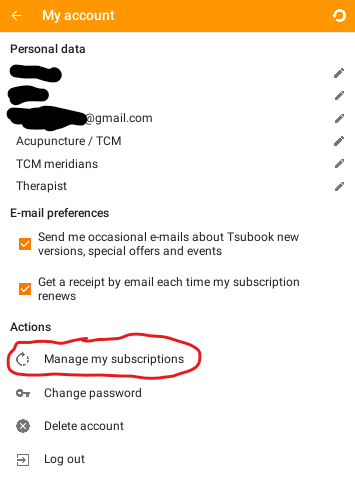
- To manage your subscription, enter the menu of the Tsubook app.
- Click on the upper most point in the menu that displays your name. This leads you to your personal account information where you find Manage my subscriptions’ in the menu.
- By clicking on this button you are directed to the store where you purchased the subscription and there you will be able to cancel your subscription.
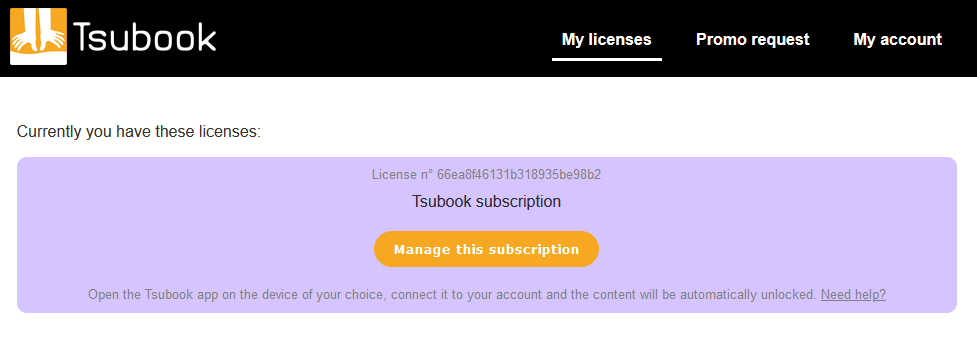
You can also manage your subscription directly from your browser. To access it, click here.
If you want to switch from monthly payments to a one time payment you can cancel your subscription as explained above and then purchase a lifetime license.
Depending on how long your subscription lasted, we may send you a discount on the lifetime license.